

What Oplane Does
Oplane analyses how your systems interact and where data flows, identifying potential security threats at the architectural level. Unlike scanners that look for code-level vulnerabilities, Oplane focuses on design-level risks: broken access control, insecure data flows, missing authentication boundaries. Every finding includes a specific security requirement and implementation guidance tailored to your codebase.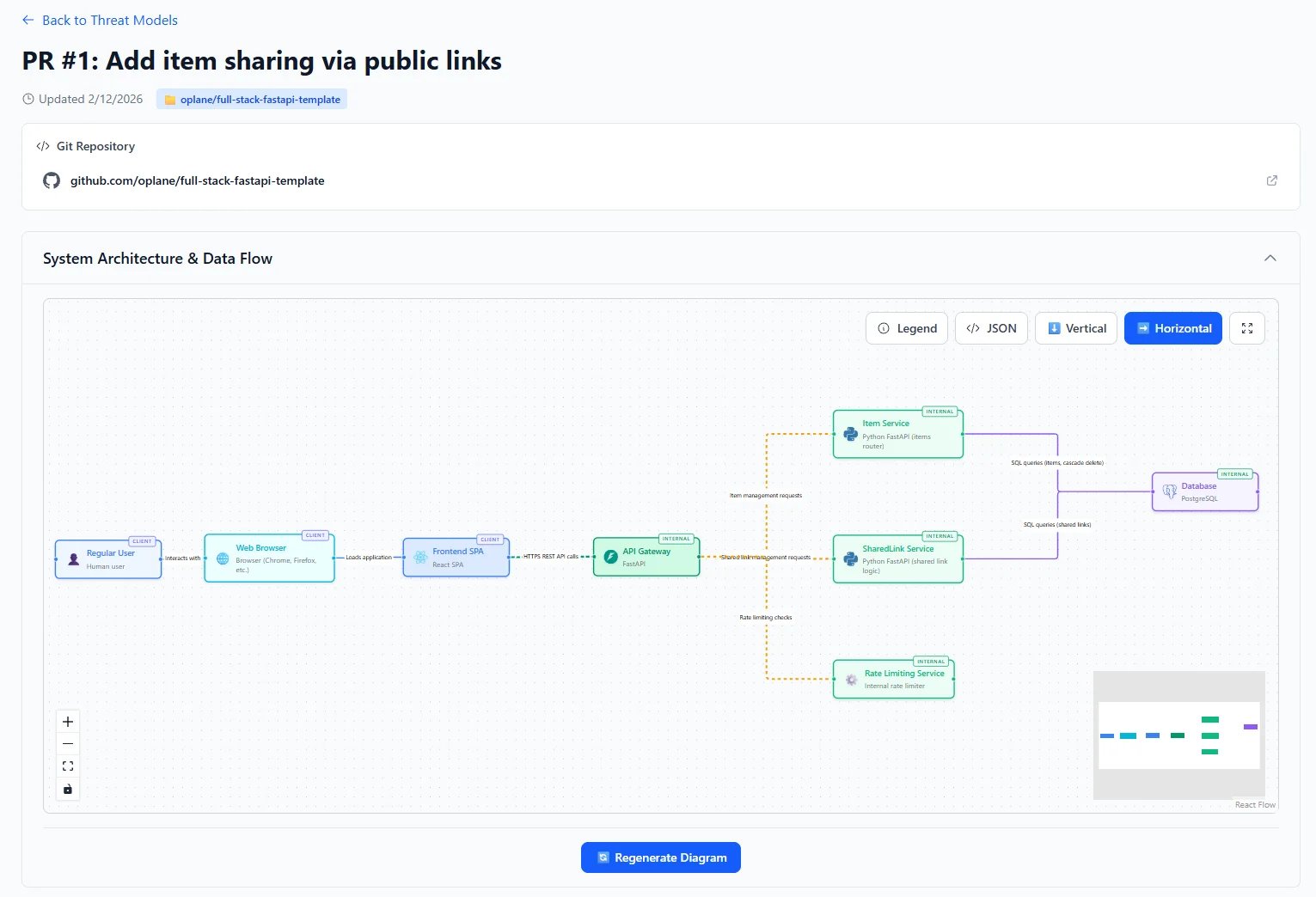
How It Fits Your Workflow
While you code
Connect Oplane to your IDE via MCP. Describe what you’re building and get security requirements in real time — before you even open a PR.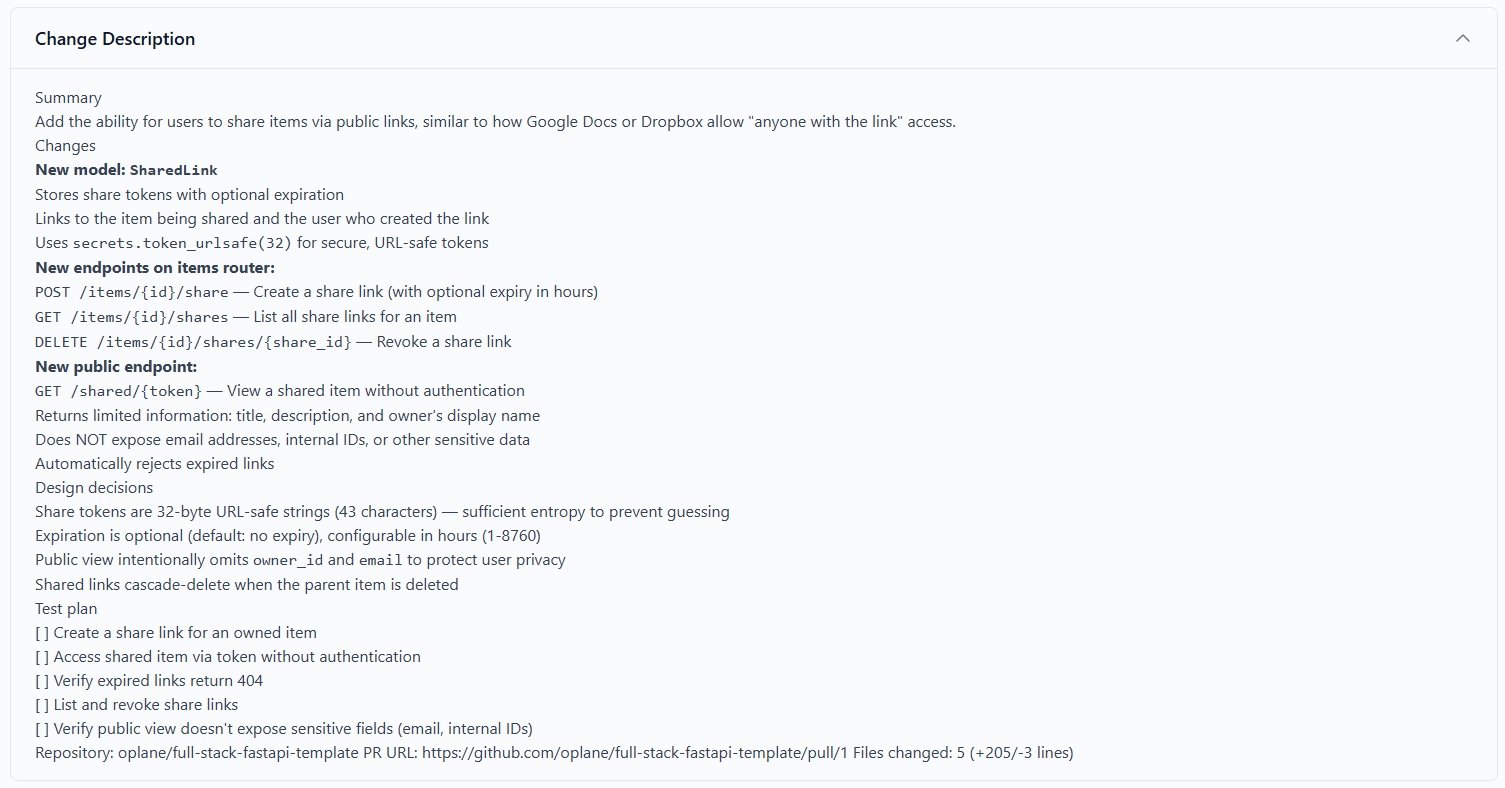
MCP setup
Connect Oplane to your IDE for in-editor threat modeling.
On every PR & MR
Connect your GitHub or GitLab repositories. Oplane reviews every pull request and posts security requirements as inline comments on the affected lines.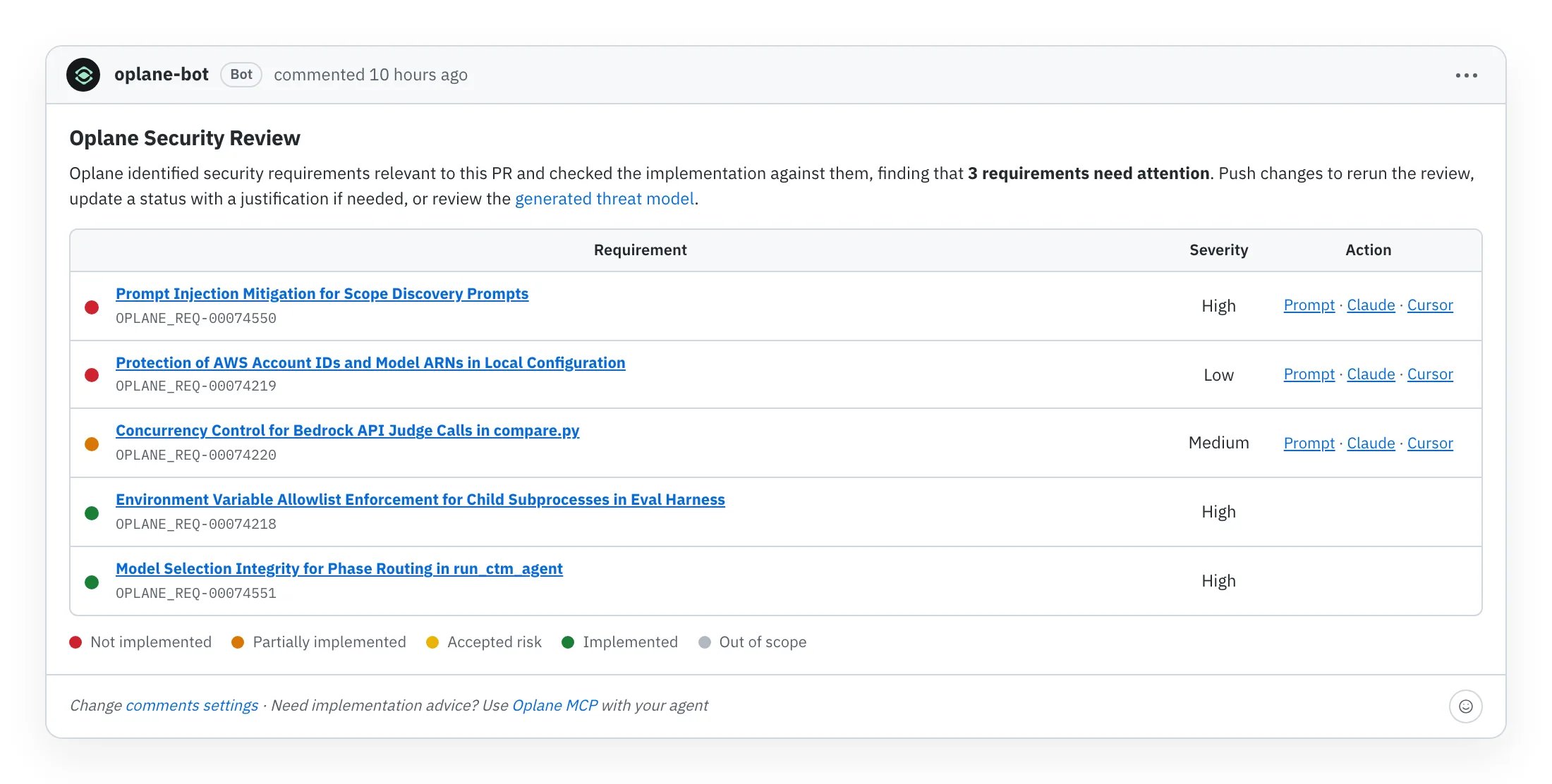
PR reviews
Learn how Oplane reviews your pull requests and merge requests.
Organisation Security Posture
Beyond individual requirements, Oplane gives you a bird’s-eye view of your organisation’s security posture. The analytics dashboard tracks:- PR resolution rate — how quickly security requirements get addressed across your repositories
- Requirements completion — percentage of security requirements implemented vs. outstanding
- Team adoption — which teams are actively using Oplane and how engagement trends over time
- Threat model coverage — breakdown of sources (automated PR reviews vs. manual/MCP) and scope coverage
Analytics dashboard
View your organisation’s security posture and adoption metrics.
Get Started
Ready to try it? The Quick Start guide walks you through both paths in under 5 minutes.Go to Quick Start
Get security threat modeling running in your workflow in under 5 minutes.